

Trusted and used by 50+ Brands

We can help build your courses
Create your learner experience
with our expert designers
Level up your courses with the most up to date evidence backed learning pedagogies and embrace the power of AI.
Provide us with a sample lesson or module and we can demonstrate for free how we would bring your coursework to life. No strings attached.
- Satisfaction Guaranteed
- Evidence backed learner pedagogies
- AI leveraged learning tools

Our Features
Everything your school needs to run. Nothing you’ll never use.
Most LMS platforms were built for large districts with dedicated IT teams and six-figure implementation budgets. Devra was built for schools like yours – small, intentional, and too busy doing real education to spend months configuring software.

Optimised UX/UI
A user interface designed specifically to engage school aged students and easy to use for school teachers and administrators.

School System Compliant
IT Security and Privacy compliant, Accessibility compliant, SSO and Rostering integrations and more

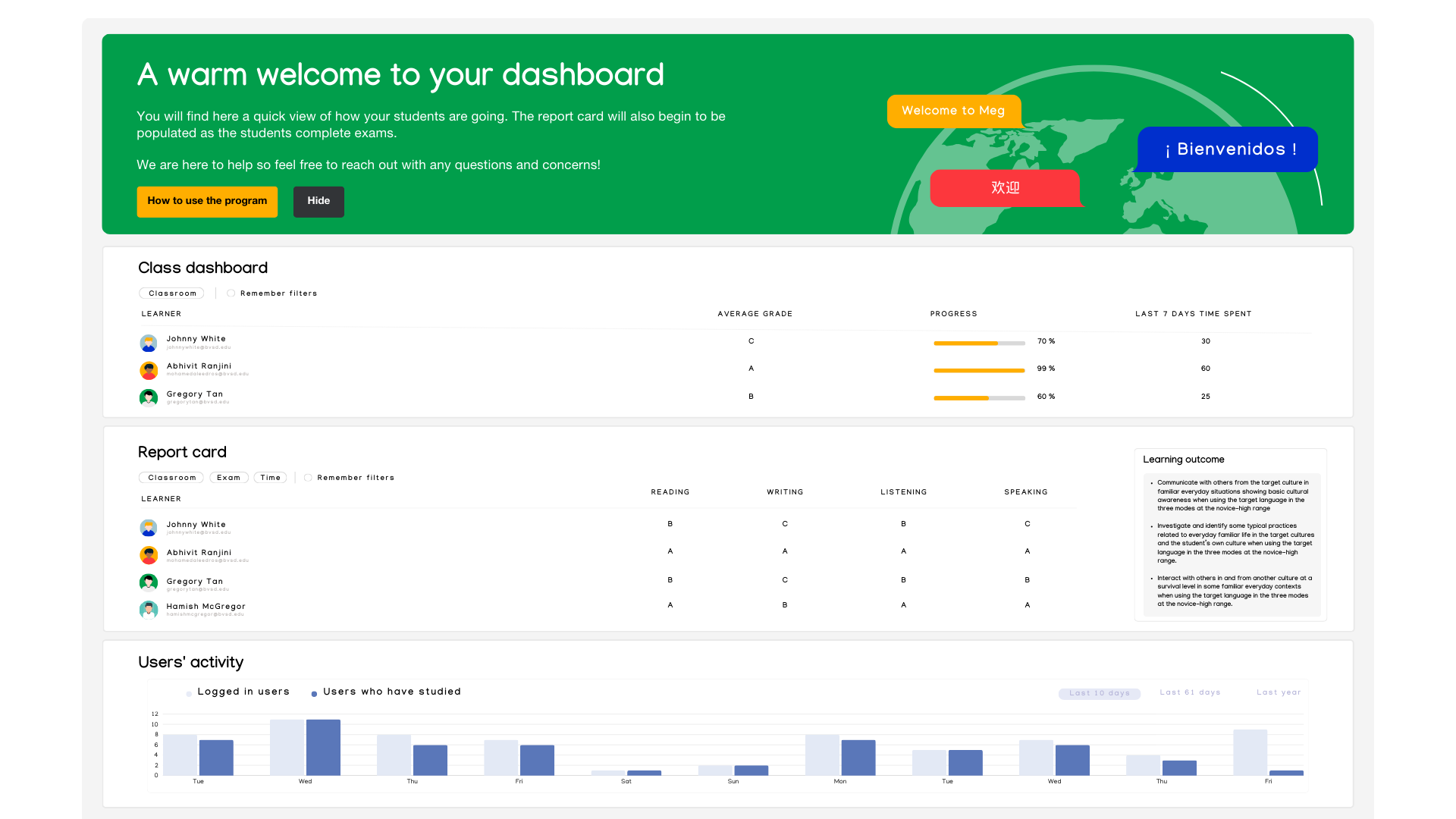
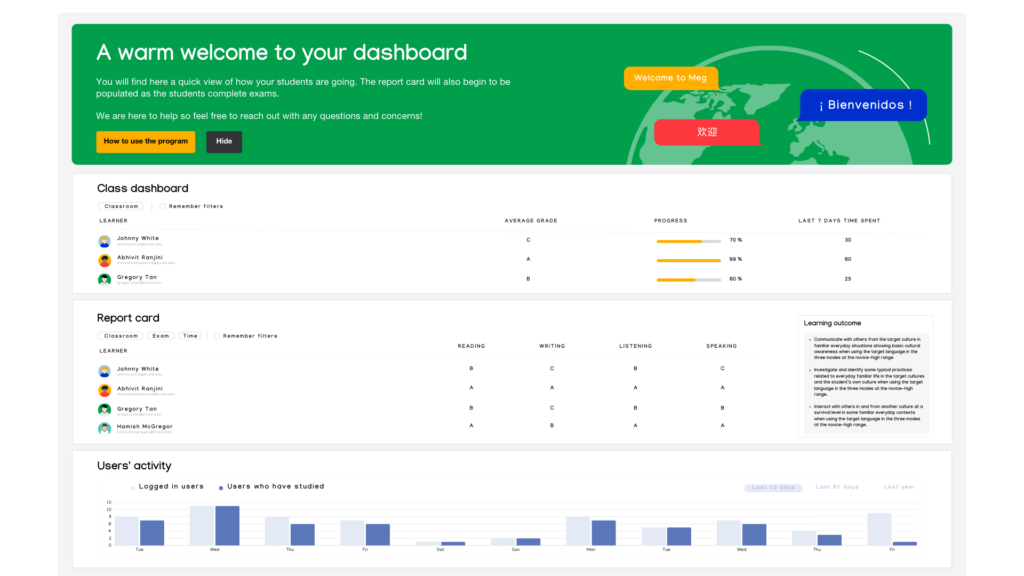
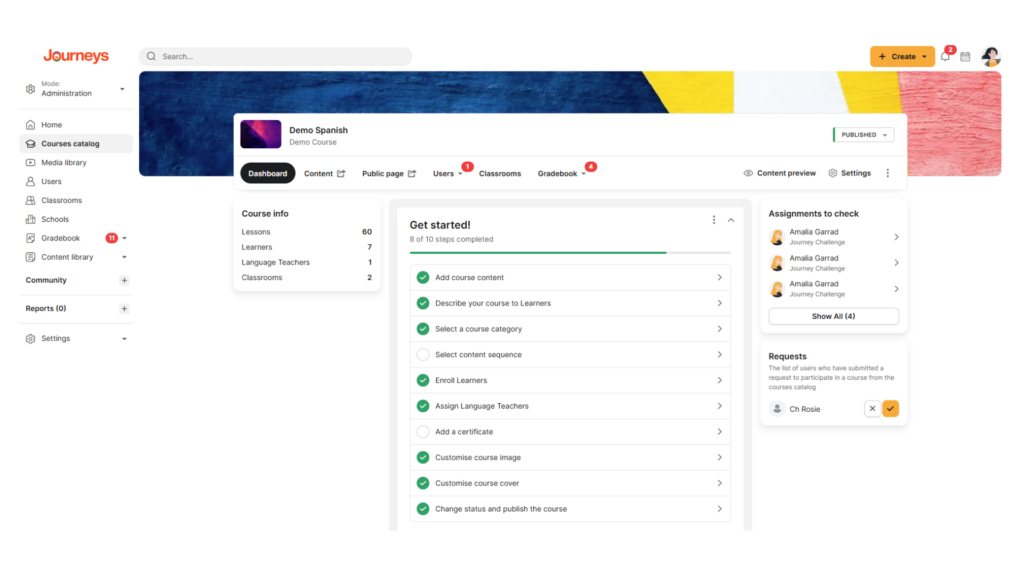
Dashboards and Reporting
Track student progress with Dashboards and report on student outcomes with our Report Card

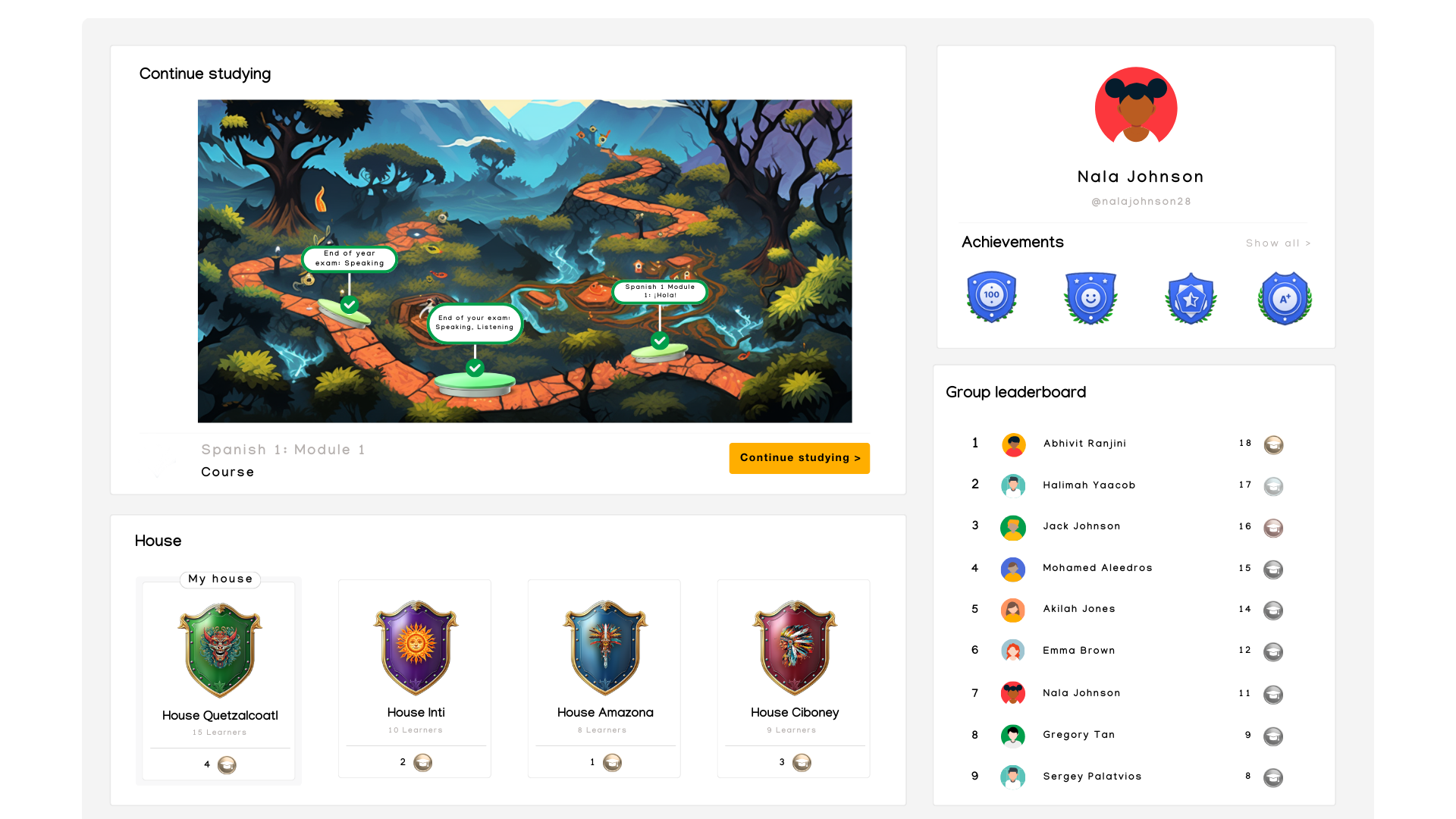
Gamified Interactions
Leaderboards, badges and a points economy all serve to encourage students to use more of the platform

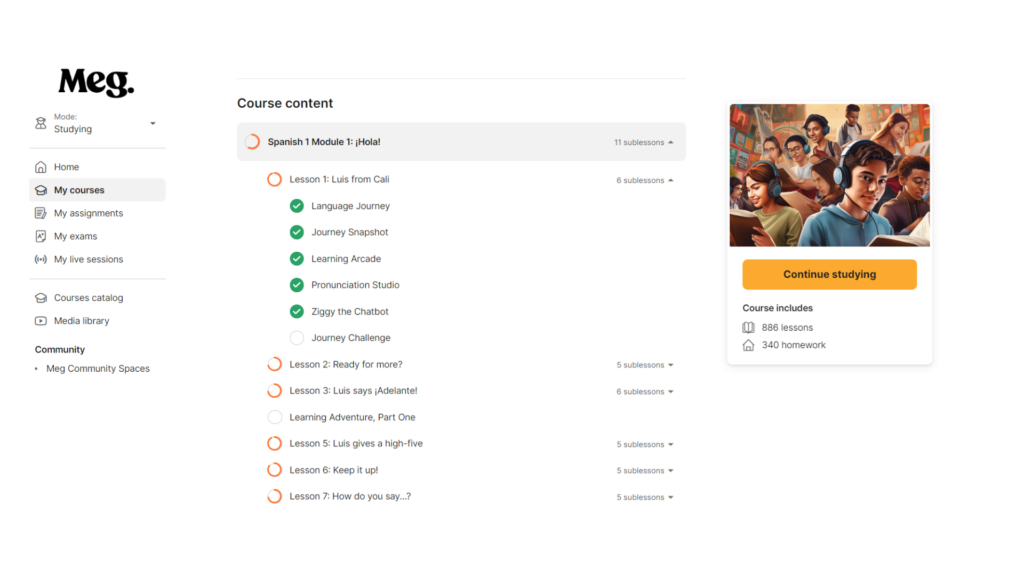
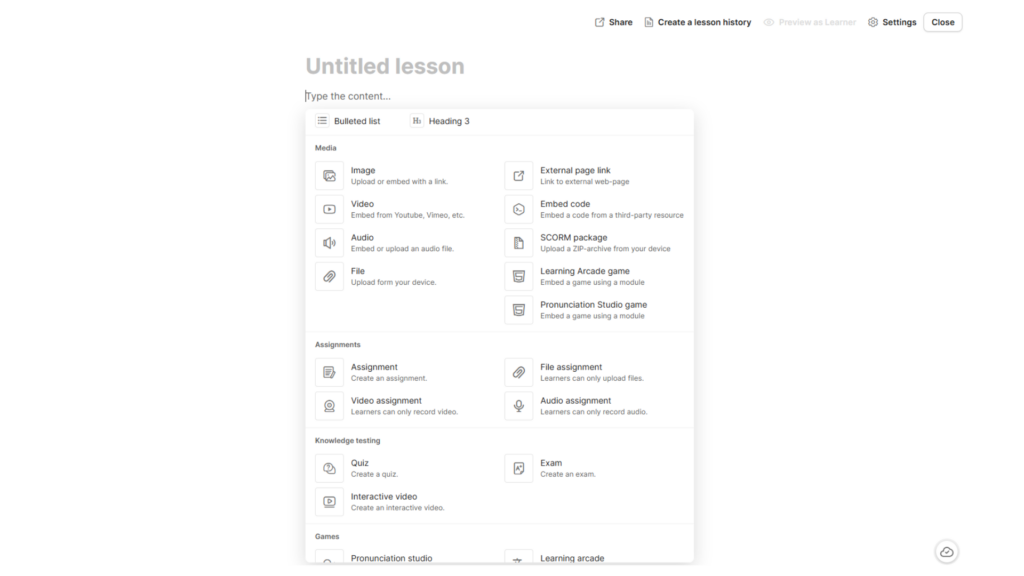
Course Writing
Interactive videos, AI integrations, exam building, learning arcade, module mapping to curriculum, certificates and more
Engage your learners
Signup for a trial
Create your free account now and get a 30 day free trial
No credit card required
Pricing & Plans
Our Packages
Get the most out of a learning platform and before you buy, why not try out the learning platform first. Let us build your first lesson for you free of charge so you can see just how great this platform will be for you.
Free trial
14 days
$0
- 14 day full access
- 1 free lesson design
- Up to 20 test users
- Lifetime supportg
Extended
Save 50%
$1
/User/ Month
- 1000+ users
- Dedicated platform
- 10 GB Dedicated Hosting free
- Lifetime free support
Regular
Save 50%
$2
/User/ Month
- Up to 1,000 users
- Dedicated platform
- 10 GB Dedicated Hosting free
- Lifetime free support
TESTIMONIALS
Hear From the Happy Clients Who Trust Us!
Lorem ipsum dolor sit amet, consectetur adipiscing elit, sed do eiusmod tempor incididunt ut labore et dolore magna aliqua. Ut enim ad minim veniam, quis nostrud laboris.

Completely synergize resource taxing relationships via premier niche markets. Professionally cultivate one-to-one customer service with robust ideas. Dynamically innovate.

Patrick Loy
Blogger
Completely synergize resource taxing relationships via premier niche markets. Professionally cultivate one-to-one customer service with robust ideas. Dynamically innovate.

Liyana Pepp
Traveller
Completely synergize resource taxing relationships via premier niche markets. Professionally cultivate one-to-one customer service with robust ideas. Dynamically innovate.

Lexy Andrew
Writer
FAQ
Frequently Asked Question?
Lorem ipsum dolor sit amet, consectetur adipiscing elit, sed do eiusmod tempor incididunt ut labore et dolore magna aliqua. Ut enim ad minim veniam, quis nostrud laboris.
What is Full Site Editing in WordPress?
Full Site Editing in WordPress refers to a feature that allows users to create and edit their website’s entire layout, including the header, footer, and other structural elements, using a visual editor.
What are the benefits of Full Site Editing in WordPress?
Full Site Editing in WordPress allows users to create and edit their website more efficiently and with more control. It enables users to create unique and custom designs without needing to have advanced coding skills.
How do I enable Full Site Editing in WordPress?
To enable Full Site Editing in WordPress, you need to ensure that you are using a compatible WordPress theme that supports Full Site Editing. You will also need to install the latest version of WordPress and enable the Gutenberg editor.
What are some popular WordPress themes that support Full Site Editing?
Some popular WordPress themes that support Full Site Editing include the FotaWP Theme, ReviveNews Theme, and the Hello Agency Theme. These themes have built-in support for Full Site Editing, allowing users to create custom designs without needing to know how to code.
How do I enable Full Site Editing in WordPress?
To enable Full Site Editing in WordPress, you need to ensure that you are using a compatible WordPress theme that supports Full Site Editing. You will also need to install the latest version of WordPress and enable the Gutenberg editor.
What are the benefits of Full Site Editing in WordPress?
Full Site Editing in WordPress allows users to create and edit their website more efficiently and with more control. It enables users to create unique and custom designs without needing to have advanced coding skills.
BLOG
Latest News And Insights
Cras tincidunt tellus at mi tristique rhoncus. Etiam dapibus rutrum leo consectetur accumsan. Vivamus viverra ante turpis, dignissim condimentum elit egestas sit amet. Phasellus dignissim condimentum elit egestas sit amet.

Contact Us
Have Questions? Get in Touch!
2345 Beach,Rd
Metrocity USA, HWY 1235
+1 (000) 123-4567
youremail@exampl.com